

It’s that time of the month again – so let’s check out the current, free, Game of the Month for the Evercade!
First things first, however.
What is the Game of the Month feature on the Evercade?
The Game of the Month feature was initially launched on the Evercade VS, the full size, multiplayer, TV-based variant of the Evercade. Each month, a new game from the Indie Heroes 2 Collection was made available to download for the Evercade VS – absolutely free of charge.
Though downloading a new Game of the Month would erase the previous game – and your saves with it – there was no reason why you couldn’t simply skip an update and new game if you wanted to keep your currently downloaded game and its progress.
The original Evercade handheld didn’t have Wi-Fi functionality, so the feature was locked to the Evercade VS; however, the Evercade EXP has no such problem – so the Game of the Month feature can now be made available on both home console and handheld.
Following the launch of Indie Heroes 2, the feature was put on a brief hiatus – until now!
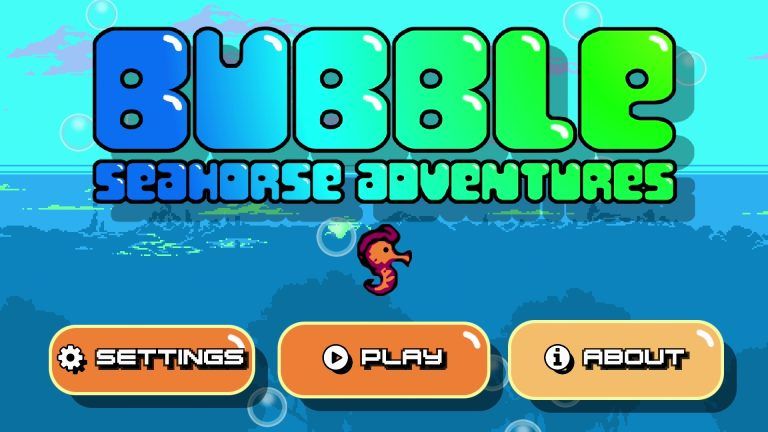
What is Bubble Seahorse Adventures, the final Evercade Game of the Month for 2023?
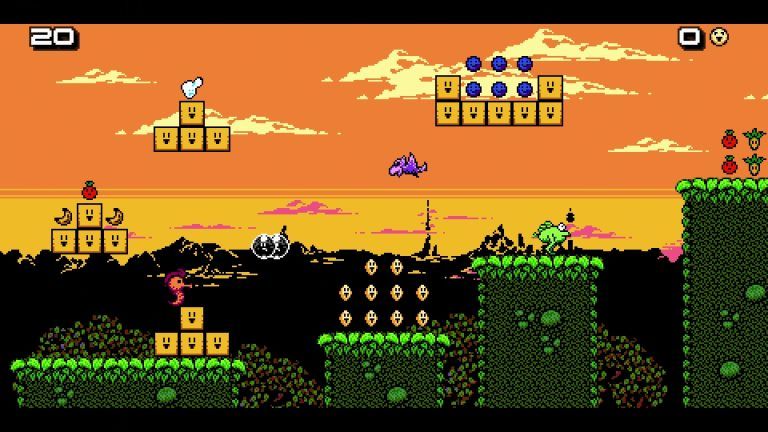
Ever wanted to be a bubble blowing Seahorse with a quiff?
Well, now your very specific dream can come true, with platformer Bubble Seahorse Adventures!
In Bubble Seahorse Adventures, your baby Seahorse is attempting to get to the moon.
Why? Who knows? It isn’t important anyway.
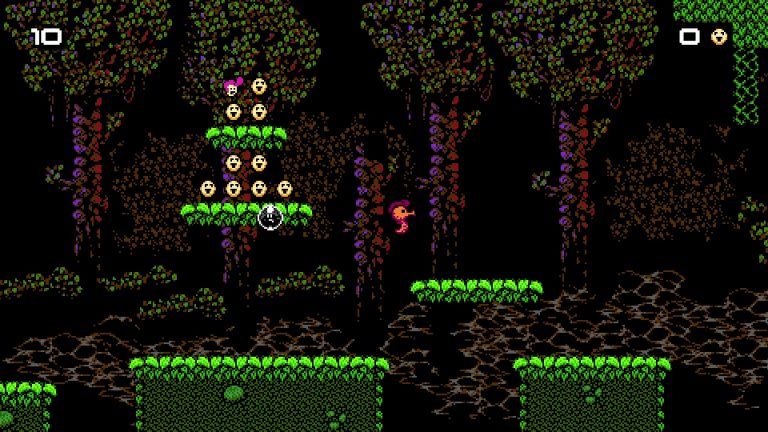
What is important is that your Seahorse can blow bubbles, which trap most enemies – then, as they’re floating away, the seahorse can use them as platforms to reach otherwise inaccessible platforms.
Though you’re trying to get to the exit in each level, along the way there’s plenty of stuff to collect, including the aforementioned, very fetching quiff that allows you to take one extra hit and powers up your bubbles, giving you the ability to rid yourself of enemies that are impervious to your basic bubbles.
There’s a lot of charm in the aesthetics and audio of Bubble Seahorse Adventures, but don’t be fooled by its cute looks and sounds – it’s a properly old school, hardcore challenge.
Running natively on the Evercade, it’s a beautifully smooth and responsive experience – though, as it bypasses the usual Evercade emulation system, there’s no save state abuse available here; this challenge is as old school as it gets, despite Bubble Seahorse Adventures having been originally released in 2007!
How do I download the Evercade Game of the Month?
On your console – either Evercade Vs or Evercade EXP – go to the Settings menu, then select the System option.
Then choose Check for Updates; this should trigger the system update which will contain your Game of the Month (as well as other firmware updates or fixes too).
Note that if you’re attempting this on an Evercade EXP, you’ll need to have at least 50% battery or have the console plugged in and charging.
Do also note that your system may shut down and restart automatically, sometimes multiple times, during this process.
Have faith and patience – and just wait for it to go through these steps without interrupting the process as it does this.
Where will I find my Evercade Game of the Month?
On the Evercade EXP, you’ll find your Game of the Month in the EXP menu, selected on the left hand side of the screen.
The VS is slightly different, though it’s in essentially the same place – the icon is a star, rather than the EXP option on the handheld.
In any case, if you have an Evercade VS, an Evercade EXP – or both – what are you waiting for? Go and download the Evercade Game of the Month right now. You can thank me later!
You can purchase the first Indie Heroes Collection from Amazon here – and Indie Heroes Collection 2 here.
 MLGG: Pop Culture News, Reviews & Interviews
Leave a comment